
Microsoft

Explore Microsoft technologies, services, and solutions, including Windows, Azure, Microsoft 365, security, and enterprise tools that power modern digital transformation and productivity.

Azure Cloud Security Identity & Access Management Microsoft Microsoft 365 Microsoft Entra

Cross‑Tenant Synchronization in Microsoft Entra ID: Deep‑Dive Configuration, Architecture, and Security Best Practices

Introduction Modern enterprises rarely operate within a single Microsoft Entra tenant. Mergers, acquisitions, regional compliance boundaries, and sovereign cloud requirements frequently necessitate multi‑tenant identity architectures. Historically, organizations relied on manual Azure AD B2B invitations or custom scripts to manage cross‑tenant access, leading to identity sprawl, inconsistent security enforcement, and stale guest accounts. Microsoft Entra cross‑tenant […]
Active Directory Windows Server

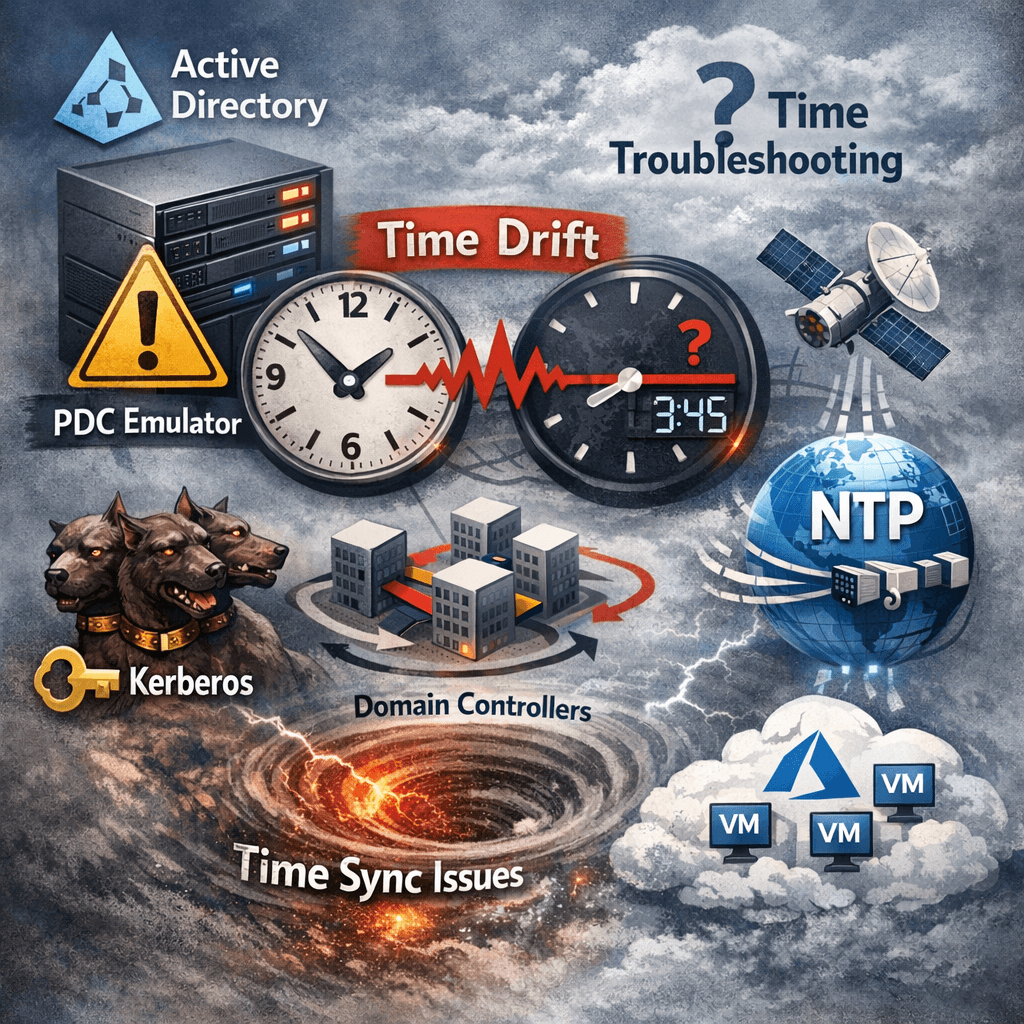
Fixing Active Directory Time Drift in Hybrid/Virtualized Environments (The Definitive Troubleshooting & Remediation Guide)

Estimated read time: 12–15 minutes. Why time drift in AD is a big deal Active Directory authentication depends on correct time. Kerberos has a strict tolerance window; when clocks drift, you get failed logons, random access issues, broken SSO, and unreliable auditing. The Windows Time service (W32Time) is designed to keep domain computers synchronized using

Active Directory PowerShell

How to Send Password Expiry Reminder Emails with PowerShell and Microsoft Graph API (Certificate Auth)

Estimated read time: ~10–12 minutes Audience: Windows/AD administrators, M365/Entra admins, automation engineers Overview Password expiry is one of the most common causes of user lockouts and helpdesk calls. A small PowerShell automation that detects upcoming password expirations from Active Directory and emails users proactively can reduce disruption significantly. One modern way to send email in

Microsoft Troubleshooting Windows Windows 10 Windows 11 Windows 11 Tips WIndows 7 Windows 8 Windows 8.1

How to Fix Popping Sound from Laptop Speakers During Boot

If you are experiencing a popping or cracking sound from your laptop’s internal speakers during boot but it disappears once you reach the lock screen, you’re not alone. This issue occurs even in the BIOS menu before Windows loads, and certain settings, such as Fast Startup, can influence when the popping sound happens. In this

Microsoft Troubleshooting Windows 10 Windows 11 Windows 11 Tips

How to Upgrade from Windows 10 to Windows 11 Pro Online Without USB

  Upgrading your PC from Windows 10 to Windows 11 Pro online is a straightforward process. You don’t need a USB drive or any external media. If your PC meets the system requirements, you can perform the upgrade directly through Windows Update or the Installation Assistant. System Requirements for Windows 11 Pro Before upgrading, ensure

Scroll to Top
×